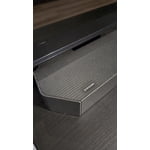
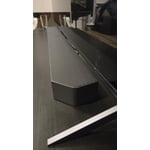
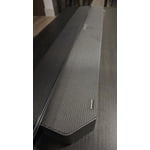
reply from Samsung Solutions
Hello HB1234,
Thank you for taking a moment to review the HW-Q65C Soundbar.
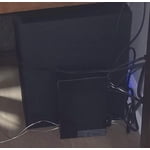
Use the color-coded speaker wires to connect the included wireless rear speakers to its wireless module and place these three in the back of your room. Plug the wireless receiver module power cord into an electrical outlet and into the wireless receiver module to turn on the wireless receiver module.
Turn off your soundbar and press the Up button on the remote for 5 seconds. The ID SET message will appear on the soundbar for a short time and then disappear. After the ID SET process, the soundbar power is automatically turned on. The LINK LED indicator stops blinking and glows a solid blue when a connection is established between the soundbar and the wireless receiver module.
If you need more help, Samsung is here for you. Please call us at 1-800-SAMSUNG, 8AM - 12AM EST (Ask for Soundbars), 7 days a week. Our Live Chat agents are also available by clicking on the ‘Support’ link on our website.
~ Samsung Solutions

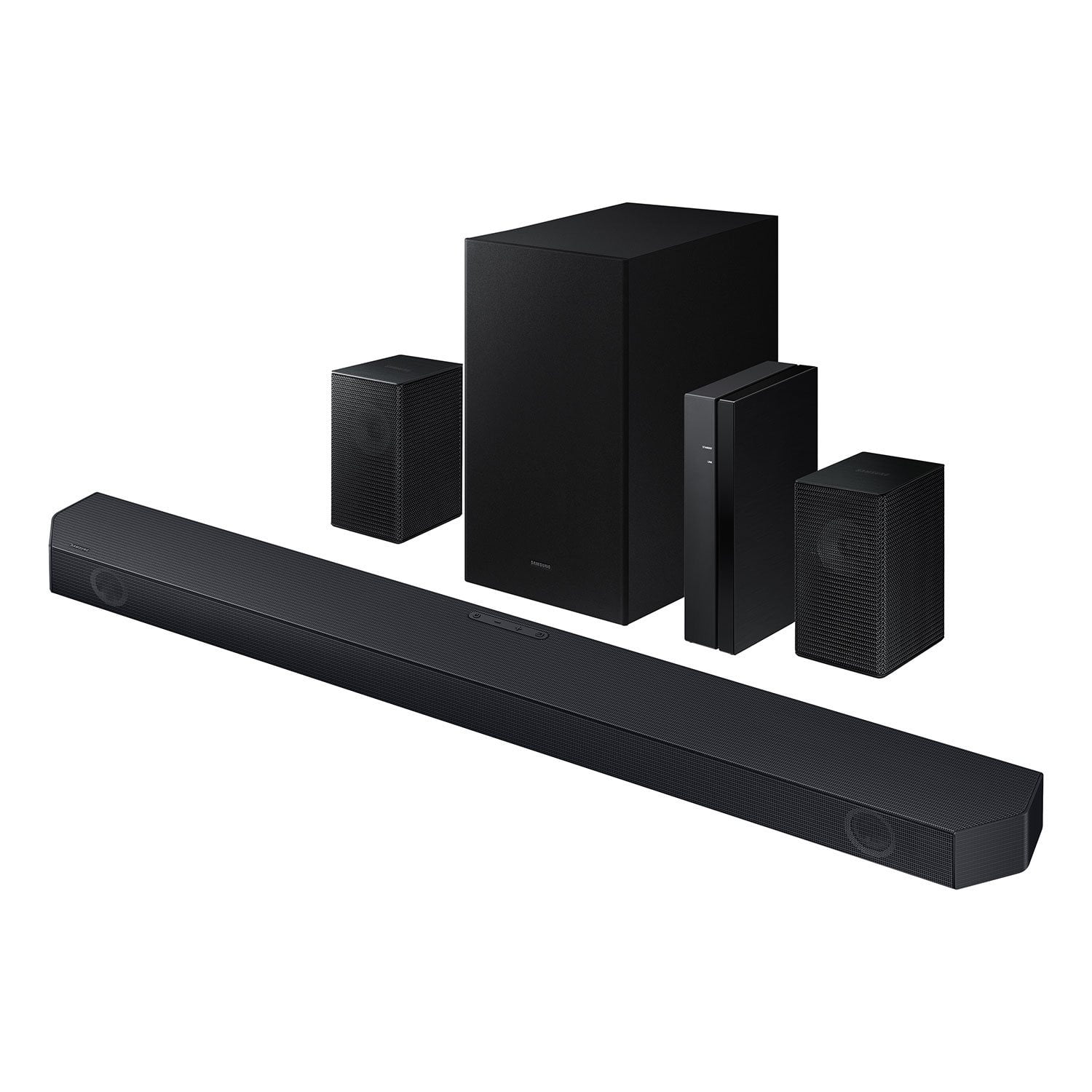 Customer reviews for SAMSUNG Q-series 5.1 Channel Sound Bar with Wireless Subwoofer, Q-Symphony & Dolby ATMOS Audio for