
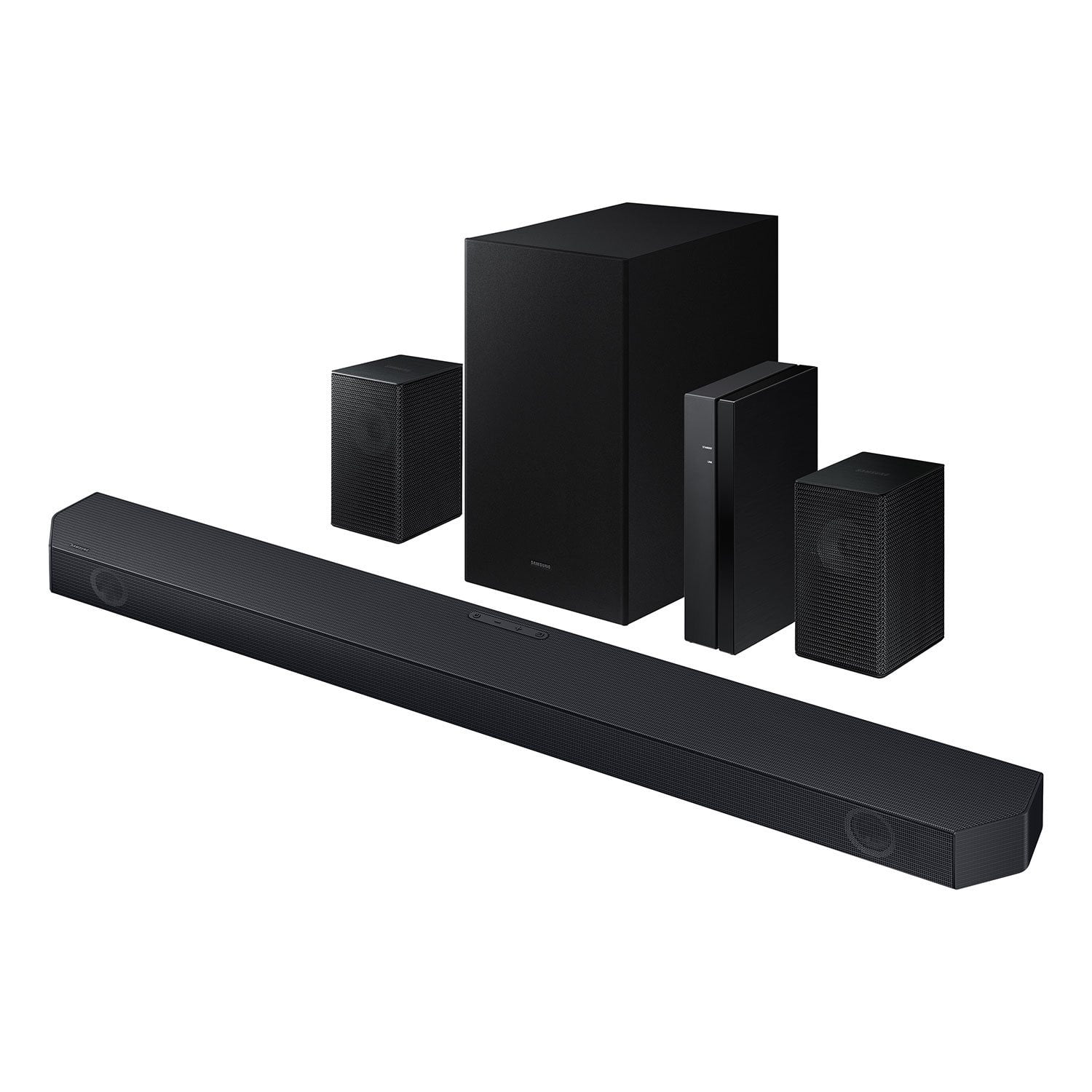
 Customer reviews for SAMSUNG Q-series 5.1 Channel Sound Bar with Wireless Subwoofer, Q-Symphony & Dolby ATMOS Audio for
Member photos

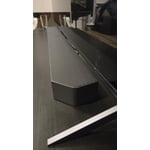
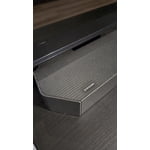
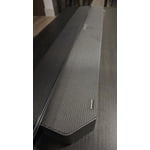
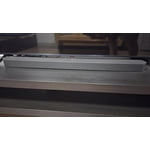 +48 images
Verified Purchase
You get more than what you pay for.
Sounds great. Great value (I bought it on sale). I was not sure how much of a difference it would make to add a sound bar to my TV, but I went ahead and picked it up on sale. I already had a stereo system in my house, but it was stereo, took up a lot of space, and did not give that surround-sound cinematic experience. This system does the job and does not break the bank. If paired with a modern Samsung TV it sounds even better. Also includes BT and optical-in if you need to connect other devices. No regrets.
Wow!
This soundbar, paired with my Samsung Neo Qled TV, is amazing! I would love to hear what the $1,500 soundbar sounds like, compared to this one. First off, when paired with the Q symphony, the sound is fantastic. The rear speakers are great, easy to pair, they do have wires that connect to the hub, so they're not truly wireless. I have vaulted ceilings, so the adaptive sound is ideal and sounds great. All in all, this is a fantastic sounding sound bar, for a great price. I would definitely recommend this to anyone who wants great sound without spending a boatload.
Verified Purchase
Amazing sound bar system
This sound bar system is a hidden gem! Setup with our new Samsung Mini LED TV was a breeze, and couldn’t have gone better. This system was on sale, what a bargain, works like a million bucks. Programs really come to life!
Verified Purchase
Integrated easily with our Samsung TV
These speakers were super Australian to install and setup, most remotely. Our previous rear speakers were wall mounted with wires that attached with spring tension wire clips. We were very happy to see that these new speakers attach the same way. We were able to keep our existing wiring and simply add the required unique plug end with scotch locks. It took longer to unpack them than the entire set up procedure. They sound great work perfectly.
Verified Purchase
Read description carefully
I think it's a solid soundbar. But, I thought the rear speakers were truly wireless. They have to be hard wired to the wireless receiver. I wanted to mount them on my ceiling and that wasn't going to work. I had to return it.
Verified Purchase
Solid set up
I was hoping for a bit more db but it delivers clear sound. TV says it’s utilizing Q symphony but I cannot really tell. It was worth the sale price. Not sure worth full retail
Verified Purchase
I can make it work but...
I have an issue with latency in all but one surround sound modes. Lip sync sucks on any other settings. And I have a Q55 Samsung TV. Whats the point of having multiple surround settings if only one will operate satisfactorily. Also, after rewinding a segment of a program, there is a long delay before sound begins to restart. I have to back up way beyond the point where I want the sound to be replayed because of the long delay after I press play.
Hi Lee,We appreciate you taking a moment to review the Samsung HW-Q65C Soundbar.If the video on the TV and audio from the soundbar are not synchronized, press the SOUND CONTROL button on the soundbar remote, until you see AUDIO SYNC on the display. You can then set the audio delay between 0~300 milliseconds by using the Up/Down buttons.You can also try the below to minimize the delay:1) Connect the source directly to the Soundbar’s HDMI input, then connect the Soundbar to the HDMI ARC input on the TV.2) On the TV, set the Sound Delay level to 0. Home > Settings > Sound > Expert Settings > Digital Output Audio Delay: “0”3) Change the audio format to PCM on both the source device and the TV. For additional troubleshooting steps, please refer to this online guide:https://www.samsung.com/us/support/troubleshooting/TSG01110022/I hope the above helps to solve your issue. If you need further help, please reach out to Samsung Customer Support. Please call us at 1-800-SAMSUNG, 8AM - 12AM EST (Ask for Soundbars), 7 days a week. Our Live Chat agents are also available by clicking on the ‘Support’ link on our website.~ Samsung Solutions
Verified Purchase
Samsung Q-Series
Samsung Q-Series has a solid sound. The surround is good. The only problem I have is it keeps going in/out of the Q-Symphony mode. I checked out the Onn $199 system. Sounded amazing in the store. Because of the Q-Symphony, I went with the Samsung. I wished I had saved a few dollars and purchased the Onn since the Q-Symphony is not consistent.
Hi LAWRENCES,<br /><br />We appreciate you taking a moment to review the Samsung HW-Q65C Soundbar.<br /><br />Updating the firmware on your soundbar gives you all the benefits of the latest improvements. When an update is available, you can update the Soundbar by connecting the USB drive that contains the update firmware to the SERVICE port of the Soundbar.<br /><br />1.Go to the Samsung Electronics website (www.samsung.com) → click on the “Support” option in the upper right corner. <br />2.Click on “Manuals & Software” from the pop-up list > TVs & Home Theater > Home Theater > Select your model<br />2. Download the firmware file (USB type). <br />3. Unzip the file to create a folder with the file name. <br />4. Store the created folder in a USB and then connect it to the Soundbar. <br />5. A sequence of “UPDATE” > “BYE” > “ON” will appear on the display 3 times. This will take around 6 minutes.<br /> - During update, do not turn it off or remove the USB. <br /> - If “UPDATE” does not appear on the display window, remove the power cord from the Soundbar and then reconnect it.<br /> - When the latest Version is installed, no update is performed. <br /> - Depending on the USB type, update may not be supported.<br />6. After the 3 cycles are complete, the Soundbar will restart and last source used will appear on the display for about 20 seconds and then it will go off (“UPDATE” > “BYE” > “ON”) 3 times “D.IN” > off<br /><br />If you need more help, Samsung is here for you. Please call us at 1-800-SAMSUNG, 8AM - 12AM EST (Ask for Soundbars), 7 days a week. Our Live Chat agents are also available by clicking on the ‘Support’ link on our website.<br /><br />~ Samsung Solutions
Set up was easy, Sound stage is small
Pros: The sound bar setup and HDMI eARC works properly. Wireless rear speakers were easy to set up and connect. People are having issues due to the wire on the speaker can be pushed in too far, and the wire insulation is in the terminal. Volume capability is quite good, it will get loud, and the sub woofer is not bad. Wireless technology makes arranging the system easy. Cons: The sound quality is very disappointing. Sounds small and tinny on most programming, the original TV speakers are much more full sounding. There is little depth and no height. Dialog is very clear though. And yes I have tried to adjust modes and levels of the front and rear channels, and boosted the midrange with the equalizer. I am unable to get it to be detected by the smart things app as well. My 2019 Q90r 65 tv is not compatible with the Qsymphony as well, only TVs 2020 and up. As far as Dolby Atmos, I am unable to find programming that put the sound bar in that mode. BTW, there are no up firing drivers for true Atmos anyway.
Hi SteveC,<br /><br />We appreciate you taking a few moments to review the HW-Q65C Samsung Soundbar. We value your feedback and will share it with our teams. <br /><br />To control the volume of the treble or bass press the TONE CONTROL button, and then adjust the volume between -6 to +6 by using the Up/Down buttons on your soundbar remote. <br /><br />Press and hold the SOUND CONTROL button for about 5 seconds to adjust the sound for each frequency band. 150Hz, 300Hz, 600Hz, 1.2kHz, 2.5kHz, 5kHz, and 10kHz are selectable using the Left/Right buttons and each can be adjusted to a setting between -6 to +6 using the Up/Down buttons. (Make sure the Sound mode is set to “STANDARD”.) <br /><br />Press the CH LEVEL button so you can adjust the volume of each speaker. CENTER LEVEL can be adjusted using the UP/DOWN buttons from -6 to +6.<br /><br />With the Wireless Rear Speaker Kit connected you can adjust the volume by using the provided Soundbar remote. Press CH LEVEL and select REAR LEVEL, then use the Up/Down buttons to adjust the volume within a -6 to +6 range. <br /><br />If you would like louder (or softer) bass from your subwoofer, you can adjust the level by rocking the WOOFER button on the soundbar remote, and then adjusting the level from -6 to +6. To set the subwoofer volume level to 0, press the button in.<br /><br />If you need more help, Samsung is here for you. Please call us at 1-800-SAMSUNG, 8AM - 12AM EST (Ask for Soundbars), 7 days a week. Live Chat with an agent as well as manuals, software, creating a service ticket, and warranty info can be found at the ‘Support’ link on our Samsung website.<br /><br />~ Samsung Solutions
Verified Purchase
Not worth the money.
I have a Samsung 2.1 soundbar and the sound is good so I thought the 5.1 would be much better but oh was I wrong. The sound was not good at all and the rear speakers had very little volume and they sounded like you were in a tunnel. Needless to say I took it all back. Stay away from these. A waste of money.
tmad07a,We appreciate you taking a few moments to review the Samsung HW-Q65C Soundbar.To control the volume of the treble or bass press the TONE CONTROL button, and then adjust the volume between -6 to +6 by using the Up/Down buttons on your soundbar remote. Press and hold the SOUND CONTROL button for about 5 seconds to adjust the sound for each frequency band. 150Hz, 300Hz, 600Hz, 1.2kHz, 2.5kHz, 5kHz, and 10kHz are selectable using the Left/Right buttons and each can be adjusted to a setting between -6 to +6 using the Up/Down buttons. (Make sure the Sound mode is set to “STANDARD”.) Press the CH LEVEL button so you can adjust the volume of each speaker. CENTER LEVEL can be adjusted using the UP/DOWN buttons from -6 to +6.With the Wireless Rear Speaker Kit connected you can adjust the volume by using the provided Soundbar remote. Press CH LEVEL and select REAR LEVEL, then use the Up/Down buttons to adjust the volume within a -6 to +6 range. If you would like louder (or softer) bass from your subwoofer, you can adjust the level by rocking the WOOFER button on the soundbar remote, and then adjusting the level from -6 to +6. To set the subwoofer volume level to 0, press the button in.If you need more help, Samsung is here for you. Please call us at 1-800-SAMSUNG, 8AM - 12AM EST (Ask for Soundbars), 7 days a week. Our Live Chat agents are also available by clicking on the ‘Support’ link on our website.~ Samsung Solutions